Free Live Streaming Platform No Fees: No Hidden Costs
You find a platform, you're ready to go live, and then it asks for an account, an app download, or a credit card before you can even test your camera. True zero-cost broadcasting does exist. Most services just hide the price behind data collection, mandatory sign-ups, or ad splits that only kick in once you hit some arbitrary threshold. A genuinely free live streaming platform with no fees attached lets you go live with nothing but a browser and a connection.
What "Free" Actually Means for Broadcasters
"Free" covers two different business models, and knowing which one you're using saves you from unpleasant surprises when you try to withdraw earnings or unlock a basic feature. Ad-supported platforms don't charge you cash because they sell your audience's attention to advertisers instead. Truly fee-free models cover their infrastructure costs through open protocols, not through monetizing your content.
Free broadcasting platforms by access speed
- LiveSnap.tv: QR scan, no account
- StreamYard Free: Browser, account required
- Twitch Mobile: App install, verification
- YouTube Live: Account, 24h wait
- Self-Hosted Owncast: Server setup, hours
Ad-Supported vs Truly Fee-Free Models
Ad-supported sites are media companies first and broadcasting tools second. They give you server capacity in exchange for inserting pre-roll ads, mid-roll breaks, or banner overlays into your feed. Your viewers pay with their time and attention even if you never see a bill. That works fine for creators who already have a big audience and can negotiate a decent revenue share. It creates friction for someone who just wants to share a moment without a commercial interrupting it.
Truly fee-free options work more like public utilities than businesses. They prioritize access over profit and often lean on WebRTC peer-to-peer connections to cut server load, which is how a no cost live streaming site can run without inserting third-party advertising into your video. There's no advertiser relationship to manage, so you keep full control over your content.
When Free Requires an Account or App
Plenty of platforms call themselves free but charge you an account instead. You hand over your email, your social graph, your personal data, and in return the platform gets the leverage to suspend your channel or change its terms without negotiating with you. Signing up also kills spontaneity: what should be an instant action turns into a multi-step onboarding flow.
App downloads create a similar barrier disguised as convenience. Native apps reach hardware more efficiently than a browser can, sure, but they also lock you into one ecosystem and demand updates that eat storage and bandwidth. If you're on an older phone or a restricted network, having to install something before you can even test a stream makes the service useless no matter what it costs on paper.
LiveSnap.tv: Broadcasting Without Accounts or Installs
LiveSnap.tv skips both the account and the app download. Everything runs through a standard mobile browser. LiveSnap.tv assigns timed 10-minute slots in a public queue that anyone can join by scanning a QR code from their phone browser, so the path from deciding to broadcast takes seconds, not minutes.
How the QR Code Scan-to-Broadcast System Works
Scan the code and your phone opens a lightweight web page that asks for camera and microphone permissions right there. No store listing to hunt down, no binary to verify, no profile to fill out before your video reaches the server. The system treats your phone as a temporary capture device rather than a registered client. That's why going live without any app download works even on a managed work phone or a borrowed one.
The browser session ends when your slot runs out or you close the tab. Nothing persists: no cookies stick around after the broadcast, no telemetry keeps running in the background, no update prompt shows up next time. You get the hardware access of a native app with the disposability of a guest session.
Timed Slots and Reputation Scores
Open access needs some way to ration a limited resource fairly. The public queue gives each broadcaster a fixed window, and registered users build reputation scores through viewer ratings that shorten queue wait times and unlock longer airtime. Quality gets rewarded without asking for money or a follower count.
New broadcasters start at standard priority with the base slot length. Good viewer feedback builds into a reputation score, and the scheduling algorithm weighs that score when handing out future slots. Regulars earn faster placement and longer windows over time, while first-timers can still walk straight in.
WebRTC Delivery Without Buffering Delays
Traditional streaming runs on HLS, which chops video into chunks, buffers them on CDN servers, and reassembles them for playback, usually ten to thirty seconds behind real time. WebRTC delivers video in real time through peer-to-peer connections rather than routing through centralized CDN servers like traditional HLS streams. That cuts latency to under a second and makes real back-and-forth between broadcaster and audience possible.
That matters for anything where timing drives the experience. A Q&A session or a live reaction gets awkward fast when comments show up thirty seconds late, so sub-second delivery changes what an open queue format can actually do. The trade-off is lower maximum resolution than a heavily buffered stream gets you, but for mobile, spontaneous content, responsiveness wins out over pixel count.
Major Social Platforms and Their Trade-Offs
YouTube Live, Facebook Live, and Twitch top the search results for "free broadcasting" because they already have huge audiences and mature tools. They also treat free broadcasters more like inventory than independent creators, which is worth weighing against their reach.
YouTube Live and Facebook Live Limitations
Both platforms want a verified account before you can stream, and verification often means confirming a phone number and sitting through a waiting period. Algorithmic discovery rewards watch time and retention, so your visibility depends on engagement signals built for professional channels, not casual broadcasters. Features like custom thumbnails, scheduled premieres, or external encoder support stay locked until you hit a subscriber or watch-hour threshold.
Moderation runs on automated systems that flag content by pattern matching rather than context. A false positive can demonetize or restrict your stream with little real recourse, and the appeals process assumes you've already put in enough time on the platform to wait out weeks of review. If you want predictability more than a shot at going viral, that's a real ongoing risk.
Twitch Monetization Requirements
Twitch has solid streaming tools and a loyal gaming community, but its free tier mostly works as a funnel toward paid subscriptions and ad revenue sharing. Most social platforms require account verification and partner status before unlocking basic monetization or extended streaming features, and Twitch sets the bar especially high: minimum follower counts, concurrent viewer averages, streaming frequency requirements. Until you clear those, your stream is free promotion for Twitch's subscription model.
The culture leans toward polished, persistent channels rather than one-off broadcasts. Discovery favors streamers who keep a consistent schedule and build a regular audience, which makes it hard for a newcomer to get noticed without committing to it long-term. If you just want to share something occasionally, the incentives work against you.
No Cost Live Streaming Sites for Instant Access
Beyond LiveSnap.tv, a handful of browser-based tools offer low-friction broadcasting for anyone who can't or won't install an app. They differ in features and reliability, but they all work immediately on any device with a modern browser.
Browser-Based Options Beyond LiveSnap.tv
StreamYard and Restream run browser-based studios with guest management, overlays, and multi-platform simulcasting. Both usually need an account, and they save the best features for paid tiers, but the free plans handle a simple single-host broadcast fine. Expect branding watermarks and capped recording quality, which may or may not matter depending on what you're doing.
OBS Studio with browser sources is another route, for anyone comfortable with local encoding and no cloud dependency. It takes more setup knowledge and relies on your own upload bandwidth, but it avoids platform lock-in entirely. For pure simplicity, though, a dedicated browser broadcaster still beats building your own pipeline.
Open Source Self-Hosting Alternatives
Owncast and Ant Media Server let you run streaming infrastructure on your own hardware or a VPS. You get full control over moderation, monetization, and data retention, but you also take on scaling, security patches, and uptime monitoring yourself. Self-hosting fits organizations with technical staff and specific compliance needs more than individual broadcasters looking for something easy.
The learning curve is steep, and the server costs you pay upfront offset whatever you save by skipping a subscription. The documentation assumes you already know Linux administration, SSL certificates, and transcoding setups. Most casual users get better results with less hassle from a managed browser-based option.
Streaming Without Subscription or Paywall Barriers
Viewers looking for a no-paywall live stream benefit from open queue systems that rotate broadcasters without a login or payment wall. Instead of a gated community where access tracks spending, these platforms treat watching as something kept open by collective participation.
Community moderation does the job subscription revenue does elsewhere. Viewer ratings, reporting tools, and reputation systems filter content on their own, instead of relying on a paywall to keep out anything undesirable. That produces a different mix of content than a curated feed, because what rises to the top reflects real-time engagement rather than an algorithm's prediction or an editor's pick.
Watching this way favors discovery over loyalty. You'll run into new broadcasters constantly instead of following the same handful of channels, which suits anyone who likes exploring but frustrates someone who wants a predictable lineup. That trade-off comes with the territory in a genuinely open setup.
Choosing Between Free Broadcasting Platform Types
The right choice depends on whether instant access, audience size, or technical control matters most to you. Each one pulls toward a different kind of platform, and no single option gives you all three at once.
When to Use Anonymous Live Streaming
Anonymous broadcasting suits one-off events, sensitive topics, or anything experimental where tying the stream to your name creates a risk you don't need. LiveSnap.tv works this way by design: no account ties the broadcast back to you, while social platforms inherently link streams to a verified profile. The catch is that anonymity means you can't build an audience across sessions, so it's built for a moment, not a following.
Persistent channels make more sense if you want recognition and viewers who come back. Social platforms are built for that, since their recommendation engines learn from your history and keep surfacing you to the same audience. The cost is giving up privacy and accepting the platform as a permanent fixture in how you reach people.
Comparing Latency and Audience Reach
Low-latency WebRTC streams let you interact in real time but reach fewer concurrent viewers, since peer-to-peer connections have bandwidth limits. HLS-based platforms give up that responsiveness to serve thousands of simultaneous viewers through CDN caching, which suits one-to-many announcements where chat isn't really the point. Figure out which constraint hurts your format less before you pick a protocol.
Audience reach also tracks platform maturity and marketing budget. The big social networks have billions of users and well-built discovery systems; newer, open platforms rely on word of mouth and niche communities. Maximum potential viewership favors the incumbents, but actual engagement often flips the other way, since smaller audiences tend to pay more attention and interact more.
Getting Started With Zero-Friction Live Video
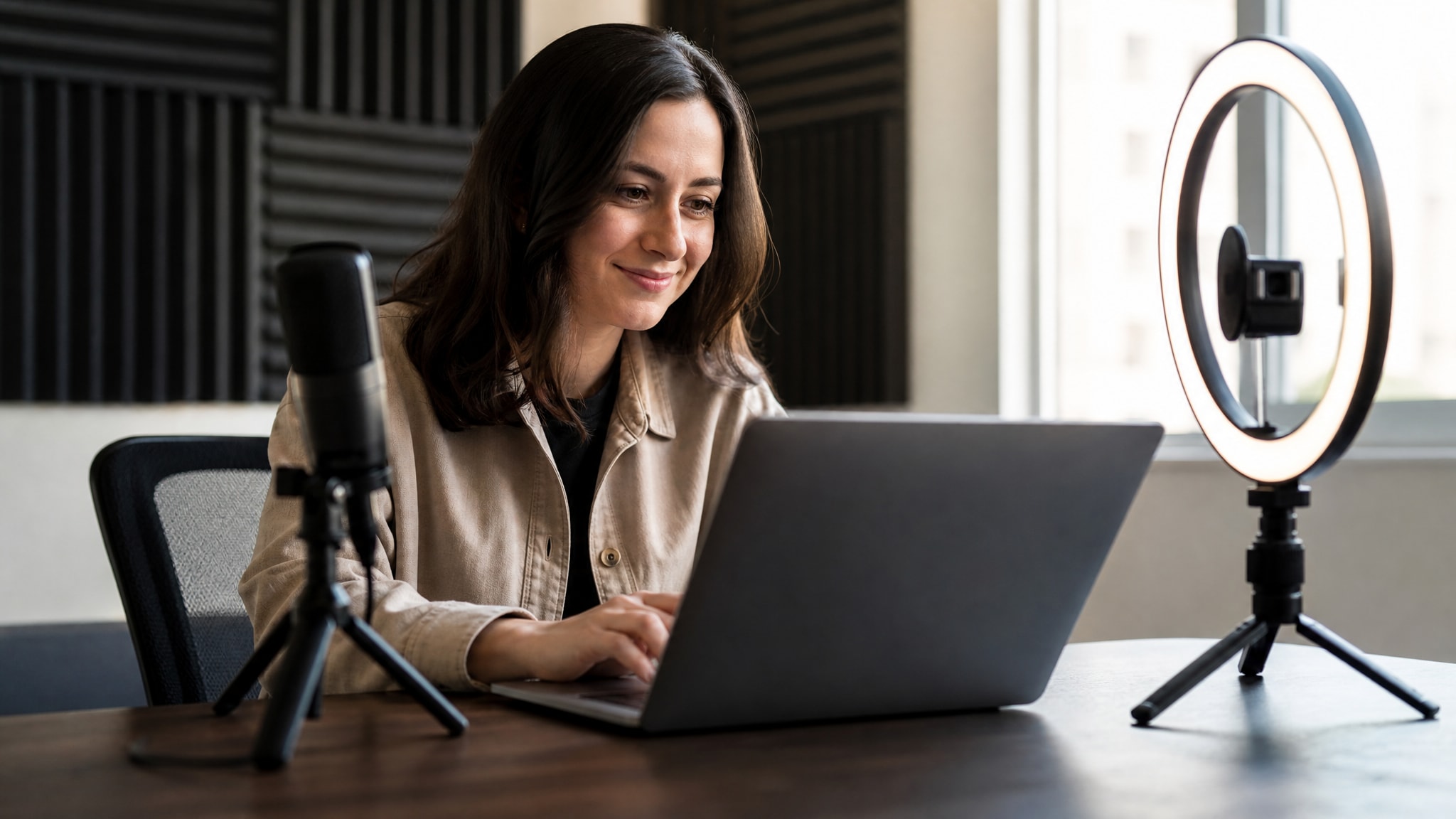
Sort out your audio and lighting before you worry about which platform to use. Technical quality decides whether viewers stick around more than any feature list does. Facing a window and finding a quiet room fixes most of what goes wrong on mobile broadcasts, and neither costs anything. Once that's set, start a free live stream from your phone by scanning the QR code and granting permissions when it asks.
Run a few short test broadcasts first, just to see how your phone handles heat and battery drain over a longer session. Most phones stream comfortably for twenty to thirty minutes before performance starts to slip, so plan around that or keep a charger plugged in. The barrier here is low enough that trying it costs you nothing but a few minutes.
Common questions about free live streaming
How do I live stream for free without creating an account?
Use a browser-based platform like LiveSnap.tv that generates a unique streaming session via QR code scan. Your phone's camera activates directly in the mobile browser without requiring registration, app installation, or email verification. The session expires automatically when your timed slot ends.
Which services offer truly free streaming without hidden costs?
LiveSnap.tv and open-source self-hosted options like Owncast charge broadcasters nothing and avoid ad insertion or data harvesting. Most social platforms labeled free actually monetize through viewer ads, mandatory accounts, or feature gating that pushes users toward paid tiers. Check whether the platform earns revenue from your content before assuming zero cost.
What is the best live streaming app for Android if I want instant access?
For immediate broadcasting without downloads, skip apps entirely and use a browser-based solution accessed via QR code. If you prefer native apps, Streamlabs Mobile and Prism Live Studio offer free tiers with reasonable feature sets, though both require account creation. Browser-based options remain faster for spontaneous streams because they eliminate installation and setup time.
How do live streamers make money on free platforms?
On ad-supported platforms, revenue comes from pre-roll and mid-roll advertisements inserted into streams once creators meet partnership thresholds. Truly fee-free platforms like LiveSnap.tv do not currently offer built-in monetization, so broadcasters rely on external donation links or sponsorships mentioned verbally during streams. Building audience trust through consistent quality matters more than platform payout mechanics for sustainable income.