QR Code Live Streaming Platform: How Scan-to-Broadcast Works
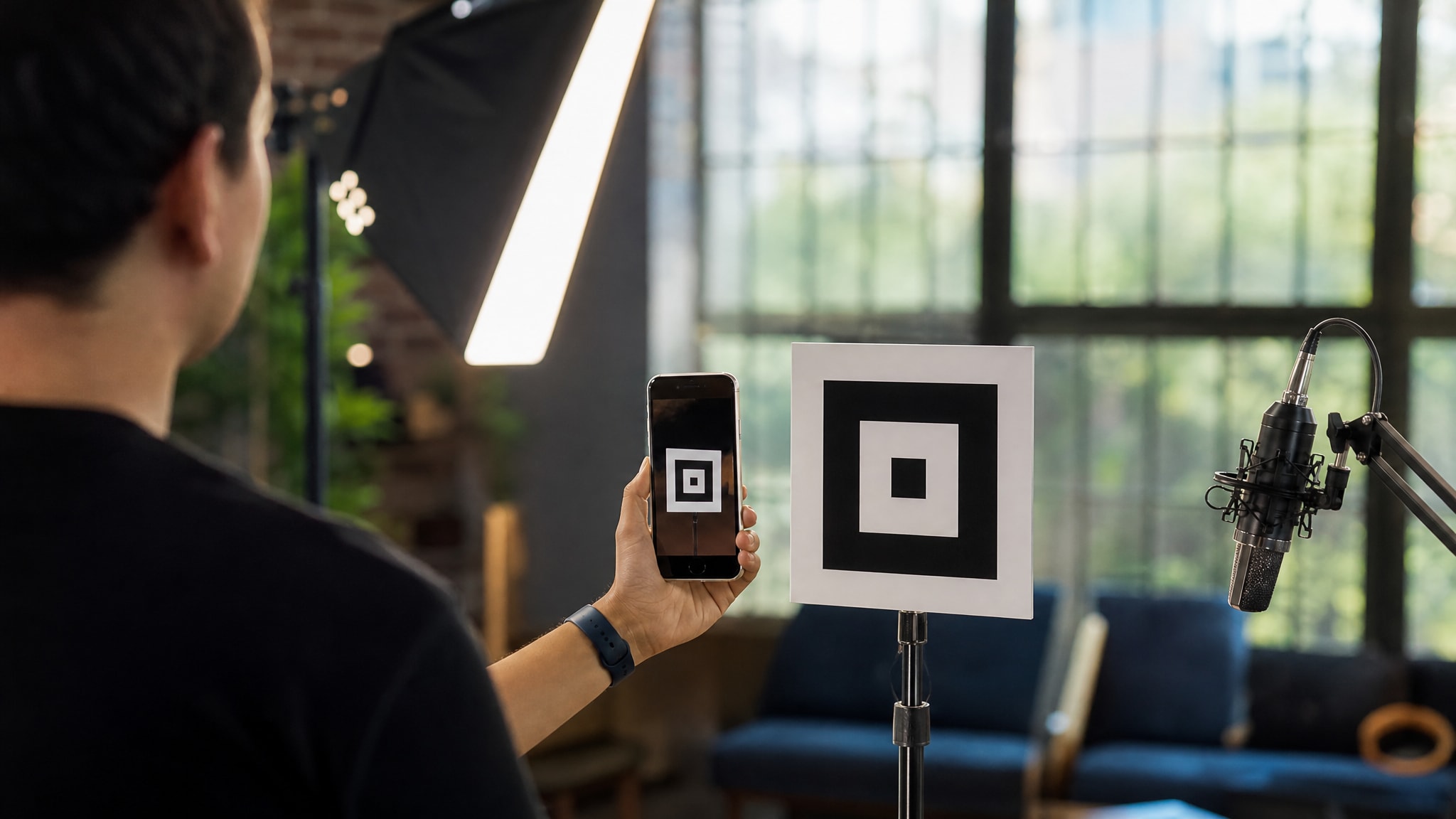
You point your phone camera at a square pattern and a live video feed starts moments later. No app store, no login screen, no waiting for a download to finish. That jump from printed square to live broadcast runs on a specific handshake, one that swaps the usual app install for protocols your browser already knows.
LiveSnap.tv uses ephemeral session tokens embedded in QR codes to set up WebRTC connections without accounts or app installs. The code itself isn't a magic portal. It's a precise set of instructions telling your mobile browser how to negotiate a secure media session. Once you see how that works, the instant feel makes sense, and so does where the actual processing happens.
The Scan-to-Go-Live Handshake Explained
A QR code live streaming platform encodes a URL with temporary credentials, not static content. When you scan to go live, your device reads a string containing a unique session identifier and an expiration timestamp. That triggers an HTTPS request that checks the token against the server before any video data moves.
QR Broadcast Session Parameters
| LiveSnap.tv QR Broadcast Session | |
|---|---|
| Slot Duration | 10 minutes |
| Latency | Sub-second |
| Permission Scope | Per-session only |
| Token Type | Ephemeral signed |
| Encoding Location | Client-side browser |
From Static Image to WebRTC Session
The moment your camera reads the pattern, the browser parses the embedded URL and opens a secure WebSocket connection. This channel carries the signaling data needed to negotiate media capabilities between your device and the viewer's browser. Once both sides agree on codec parameters and encryption keys, the peer connection opens directly.
On most modern networks this whole sequence takes under two seconds, because the heavy lifting happens locally. Your phone is the encoder and the transmitter at once, which skips the central transcoding servers that add lag. The QR broadcast tool just hands out the authenticated entry point for that direct exchange.
Why No App Install Is Required
When you use native apps, they often ask for permission to access certain parts of your phone, like storage, and they can do things that browsers can't, because browsers have restrictions in place to keep you safe. But if you keep everything within the web, the system can use standard tools that are already on every smartphone. For example, you can access the camera, but only for a short time, not forever, which is a big plus for security and privacy. This way, you don't have to give permanent access to sensitive features, and that's a good thing.
This approach also gets around the problem of different versions of software being used on different operating systems. Since updates happen on the server, the mobile camera streaming QR interface will always be the same, regardless of when you last updated your operating system. The downside to this is that you won't be able to stream when you're offline, and you won't be able to capture audio in the background, because the browser will suspend any tabs that aren't currently being used. This means you'll need to have a stable internet connection to use the streaming feature, and you'll have to stay active on the tab to keep it working.
Camera Permission Flow on Mobile Browsers
Your browser treats each scanned link as its own origin with isolated permissions. Mobile browsers grant camera access per session rather than permanently. Permissions requested through a QR scan apply only to that one broadcast and expire the moment the tab closes. That stops a rogue page from quietly grabbing hardware access after you've navigated away.
Handling iOS and Android Security Prompts
When you use Safari, it tells you exactly which website is asking to access your information, and it reminds you of this every time you start a new session. On the other hand, Chrome on Android might remember what you chose to do the last time you were browsing, but it will still ask you to confirm if a website wants to access your media devices. One thing that's the same for both browsers is that they won't let a website access your camera unless it's using a secure connection - they need to have HTTPS, or they won't be able to get in at all, which helps keep you safe when you're browsing websites that aren't secure.
When you get permission to access something, it's connected to a special code in the website's address. If this code expires or is cancelled by the server, you'll lose access to the hardware, even if you still have the webpage open. Both your browser and the server need to agree to keep the connection going, which makes it more secure because there are two checks in place instead of just one.
What Happens When Permissions Are Denied
Blocking camera access sends a specific error code back to the WebRTC negotiation layer. The interface catches that and shows troubleshooting guidance instead of a generic crash screen. Reloading the page can bring the permission prompt back, but only if the original session token is still valid.
Repeated denials usually point to a browser-level restriction, not a platform problem. Some managed devices or privacy-focused browsers turn off getUserMedia calls entirely. In those cases, rescanning won't help until the underlying browser setting changes.
Session Timeouts and Queue Mechanics
Public broadcast slots are capped at 10 minutes to keep the queue moving, and reputation scores built from viewer ratings cut wait times for registered users. The hard limit stops any one broadcaster from hogging shared bandwidth. It also forces short, focused content, which suits how people actually watch.
The 10-Minute Broadcast Window
The timer starts the moment your feed hits the public queue, not when you're testing locally. A countdown overlay shows how much airtime is left so you're not guessing. When it hits zero, the stream ends cleanly and sends you back to the landing page.
That limit shapes how you plan a broadcast on the fly. You learn to front-load the important part and skip long setup. The cap is deliberate: it keeps the rotating queue fresh for viewers hopping between streams.
Reputation Scores and Wait Times
Viewer feedback builds into a numeric score tied to your optional account. A higher score tells the queue algorithm your content is reliable, and it prioritizes your next session accordingly. New users start neutral and earn trust through consistent, positive sessions.
Registered users watch their estimated wait time drop as reputation climbs. It's a merit-based system, no paywall involved. The score partially resets after a long stretch of inactivity, so a stale account can't sit on a prime slot forever.
Security of One-Time Broadcast Links
Each QR code carries a cryptographically signed token tied to a specific time window. Screenshot your code and send it to a friend, and it still won't get them in. The token validates against the original generation timestamp. Expired tokens throw an authentication error the moment someone scans them.
The link dies the instant the session ends or the timeout hits. Even if someone intercepts the URL mid-transmission, they can't reuse it once the server marks it consumed. That single-use property is what separates a qr code live streaming platform from a permanent social media link that stays active forever.
Session isolation covers metadata too. Viewer counts and chat messages attach only to the active token, never to a persistent profile, unless you've actually registered. Anonymous broadcasting stays anonymous, because there's no database record linking one session to the next.
WebRTC vs Traditional Streaming Protocols
Browser-based WebRTC streaming gets sub-second latency by connecting peers directly, unlike HLS or RTMP, which need server-side transcoding and chunked delivery. Traditional platforms buffer video into multi-second segments to support adaptive bitrate switching. Real-time interaction needs a different setup entirely.
Latency Differences in Real-Time Video
WebRTC keeps a persistent UDP connection open and pushes frames the moment encoding finishes. On a typical connection, viewers see your actions with under 800 milliseconds of delay. Compare that to standard streaming services, where 10 to 30 second latency makes real conversation impossible.
That speed is what makes genuine back-and-forth with your audience possible. A comment shows up while the thing it's reacting to is still on screen. The tradeoff is less resilience to network hiccups, since there's no buffer to absorb packet loss.
Browser-Based Encoding Constraints
Your device handles all the video compression itself, using whatever CPU or GPU it has. Maximum resolution comes down to local hardware, not server infrastructure. Older phones may struggle past 720p; flagship devices hold 1080p without much trouble.
Encoding happens client-side, in real time, with no cloud assistance. That keeps costs low on the platform side but puts thermal load on your phone. Long sessions can trigger thermal throttling, which drops frame rates automatically. For more on these protocol differences, see our guide on WebRTC streaming mechanics.
Common Failure Points During QR Scans
Most scan failures come down to environmental factors, not platform bugs. Poor lighting or a damaged printout stops accurate pattern recognition before any network activity even starts. Good contrast between the code and its background matters more than people expect.
Network Handoff Issues
Switching from WiFi to cellular mid-broadcast breaks the peer connection outright. WebRTC doesn't migrate sockets across network interfaces the way native apps can. The stream drops, and you need a fresh scan to get back on.
Stick to one network type for your whole slot and you avoid this. Airplane mode also kills an active session instantly. Sort out your connectivity before going live rather than hoping the protocol smooths over a handoff.
Browser Compatibility Gaps
Older browsers lack the current WebRTC implementations stable streaming needs. Safari below version 14 and Chrome below version 90 miss codec negotiations that matter. Update your browser if scans keep failing to launch the studio interface.
Some enterprise-managed devices block WebRTC at the policy level, and corporate firewalls sometimes restrict the UDP traffic peer connections need. Testing on a personal device is the fastest way to tell whether the problem is your network or your software.
Starting Your First QR Broadcast
Generate your code with the QR code live stream generator on any desktop or tablet. Point your phone camera at the pattern and the mobile broadcast studio opens right away. Grant camera permissions when it asks, then tap go-live to join the public queue.
This account-free broadcasting workflow lets you try the whole thing with zero commitment. For edge cases and troubleshooting, there's more detail in our guide on streaming without app installation. Scan to air, start to finish, takes under thirty seconds.
Frequently asked questions
Can I resume a broadcast if my browser crashes mid-stream?
No, the ephemeral session token invalidates immediately upon disconnection. You must generate a fresh QR code and rejoin the queue from the beginning. This security measure prevents session hijacking but means unsaved broadcasts cannot be recovered.
Does the QR code work if I am offline?
Scanning works offline since it is just image recognition, but broadcasting requires an active internet connection. The WebRTC handshake cannot complete without reaching the signaling server. Connect to WiFi or cellular data before attempting to go live.
Why does my stream quality drop after a few minutes?
Mobile browsers throttle encoding performance when device temperature rises during sustained video processing. This thermal protection reduces resolution or frame rate to prevent hardware damage. Allow your phone to cool between sessions or remove protective cases that trap heat.
Can viewers save or record my broadcast without permission?
The platform does not provide recording functionality, but nothing prevents viewers from using external screen capture tools. Assume any public stream could be archived by third parties. Avoid sharing sensitive information during open queue slots.