How to Increase Airtime on LiveSnap: Build Reputation
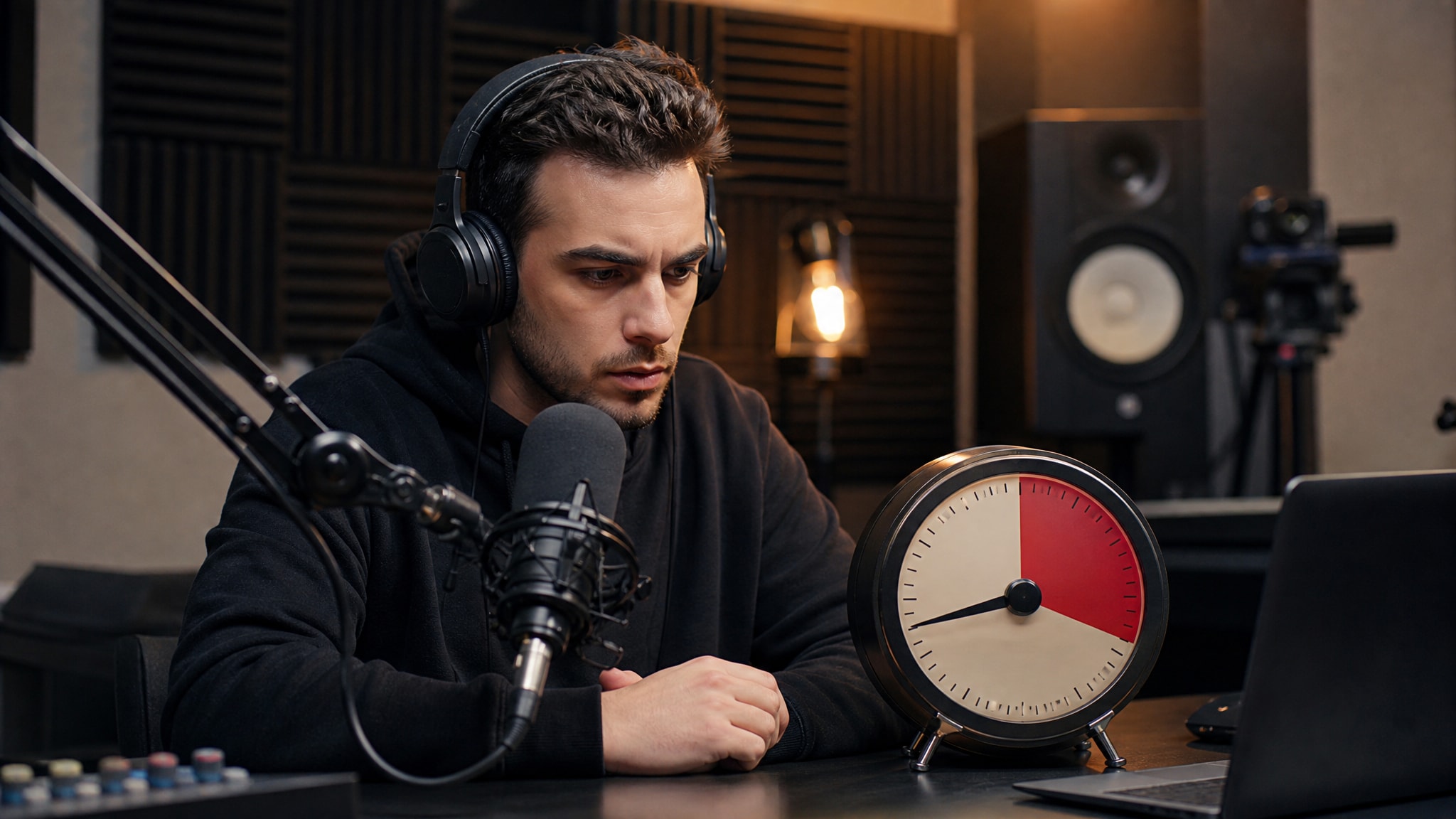
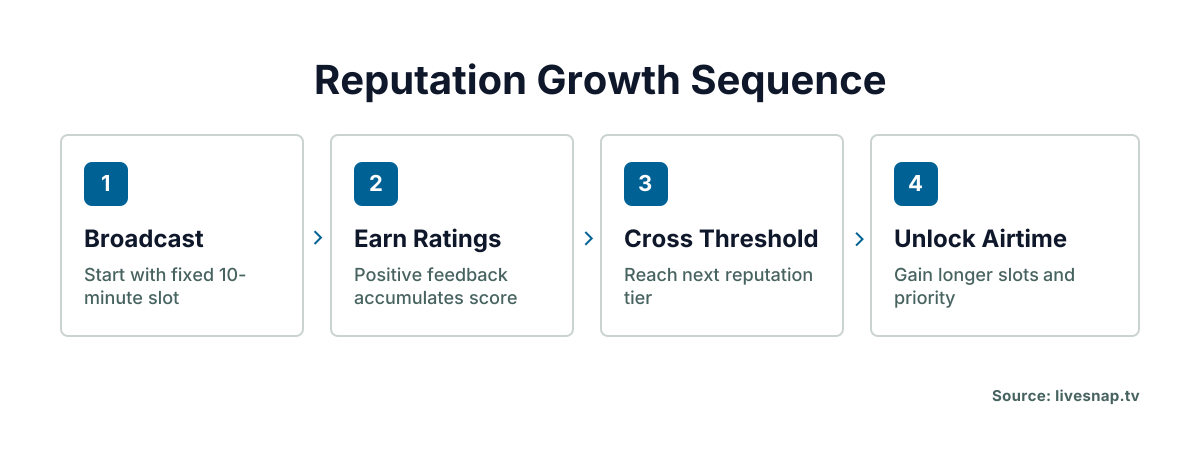
Every broadcast on LiveSnap.tv starts the same way: a fixed 10-minute window. Anonymous users and registered accounts get the same default. There's no way to extend that first slot through settings or payment. The platform runs on timed 10-minute slots in a public queue, and that's deliberate: it's how everyone gets a turn regardless of follower count.
Longer airtime comes from one place only: your reputation score. Registered users build a persistent reputation score through viewer ratings, and that score shortens your queue wait and unlocks longer slots over time. Anonymous broadcasters don't get that option. No account means no place to store a reputation, so you rejoin the queue from scratch after every session. If you're wondering how to actually get more airtime on LiveSnap, it comes down to earning good feedback during those short opening slots.
Understanding the 10-Minute Slot System
Why slots are timed
The timer stops any one broadcaster from hogging the open feed. A hard cap forces rotation, so viewers see fresh content every few minutes instead of one stream running stale.
Queue mechanics for anonymous users
Anonymous broadcasters go through the same rotation as everyone else, but they lose all progress the moment the tab closes. If you're streaming without an account, your reputation resets to zero after every session, because there's no profile to attach those ratings to.
You restart at the back of the line. Every time.
Building Reputation to Extend Streaming Slot Time
How viewer ratings affect your score
Viewers rate streams in real time, and those ratings accumulate into a reputation score tied to your registered profile. Good feedback pushes your score up. Negative signals, or a lot of people dropping off fast, stall your progress or knock you down a bit, depending on how bad it is.
Reputation thresholds for longer broadcasts
The exact point values aren't public, to keep people from gaming the system, but the tiers work like gates you pass through one at a time. Cross a threshold and you unlock a longer broadcast window, plus a shorter wait next time around.
Checking your current standing
Once you're logged in, you can see your reputation metrics right in the browser interface. The dashboard shows your current tier and how far you are from the next unlock, so you've got something concrete to aim for on each broadcast instead of guessing.
Your score reflects everything you've done, not just your last stream.
Broadcasting Habits That Improve Viewer Feedback
Engaging an open queue audience
Viewers in the public queue decide within seconds whether to stay or skip. Your opening moments matter more than anything else that happens later. Talk right away, acknowledge people joining, give them a reason to stick around past the first thirty seconds.
Silence kills retention faster than bad video ever will.
Technical quality signals
WebRTC, the protocol LiveSnap streams run on, needs a stable connection to keep viewers engaged long enough to actually rate you. Dropped frames and audio glitches cause instant exits, and those count as negative signals. Test your connection before going live, and use the scan-to-broadcast setup to cut down on device-side problems.
Clear audio beats high resolution every time. Viewers put up with grainy video. They won't put up with not being able to hear you.
Registered Account Benefits for Queue Wait Reduction
Priority placement vs anonymous slots
Making an account doesn't hand you a longer slot right away, but it does keep your reputation data across sessions and devices. Once you've built up a score, you get priority placement over anonymous broadcasters: shorter waits, more chances to build momentum.
Tracking progress over time
A registered profile also lets you spot patterns across multiple broadcasts. You can see which content earns better ratings and adjust, turning a handful of one-off streams into an actual strategy for extending your airtime.
Anonymous users don't get that. The data's gone the moment the session ends.
Common Mistakes That Reset Progress
Abrupt disconnects mid-stream count as negative signals, because they cut the viewer experience off without warning. End your broadcast cleanly with the stop button. Don't just close the tab, even if your timer's nearly up anyway.
Community guideline violations carry heavier penalties than a dropped connection ever will. Content that triggers moderation flags can knock your reputation score down hard, and climbing back from that takes a lot longer than recovering from ordinary negative feedback.
Inconsistent behavior throws the rating system off too. Long gaps between sessions slow your reputation growth, since the system weights recent activity more heavily than your history.
Streaming Slot Upgrade Pathways
Consistency over viral moments
Regular broadcasting builds reputation faster than one long, sporadic session, because the system rewards sustained engagement over time. Show up predictably and viewers learn to expect you. Those repeat visits add up to stronger scores than the occasional viral spike.
Leveraging repeat viewership
Returning viewers drive steady score growth through ratings that pile up over time and signal real community interest, not a one-off curiosity click. Give regulars a reason to come back instead of chasing a single viral moment. That loyal audience is what reliably unlocks longer broadcast time.
Queue wait reduction works best paired with a schedule people can count on.
Maximizing Airtime Within Current Limits
Plan your content to fit inside ten minutes while you work toward an unlock. An open loop that needs twenty minutes to close just frustrates viewers who know the timer's about to cut you off anyway, so build segments that deliver something complete inside the limit you've already got.
End segments cleanly so viewers rate you well before the timer runs out. A rushed sign-off or a mid-sentence cutoff leaves a bad last impression, and that can outweigh everything good that came before. A deliberate wrap-up is what earns the positive signal you need for the next tier.
Ready to try it? Start your first broadcast and start building the reputation that turns viewer approval into real airtime.
Frequently Asked Questions
Does creating an account immediately give me longer streaming slots?
No. Creating an account preserves your reputation data across sessions but does not grant instant airtime extensions. Longer slots unlock only after you accumulate enough positive viewer ratings to cross specific reputation thresholds.
Can I recover lost reputation after receiving negative feedback?
Yes, but recovery takes longer than initial growth because the system weights recent activity heavily. Consistent positive broadcasts gradually rebuild your score, though guideline violations cause deeper drops that require sustained good behavior to reverse.
What broadcasting behaviors improve my reputation score most effectively?
Speaking immediately upon going live, maintaining stable audio, and ending segments cleanly before the timer expires generate the strongest positive signals. Retaining viewers past the first thirty seconds matters more than peak viewer count for reputation growth.
Why do anonymous broadcasters always restart at the back of the queue?
Anonymous sessions have no persistent profile to store reputation data, so all progress resets when the browser tab closes. Without an account, the system treats every broadcast as a first-time stream with no accumulated standing.